SmartGym: Gym & Home Workouts
A well-built fitness app with little to fix. One onboarding experiment could still lift subscriptions: ask for health access before the paywall, not after.

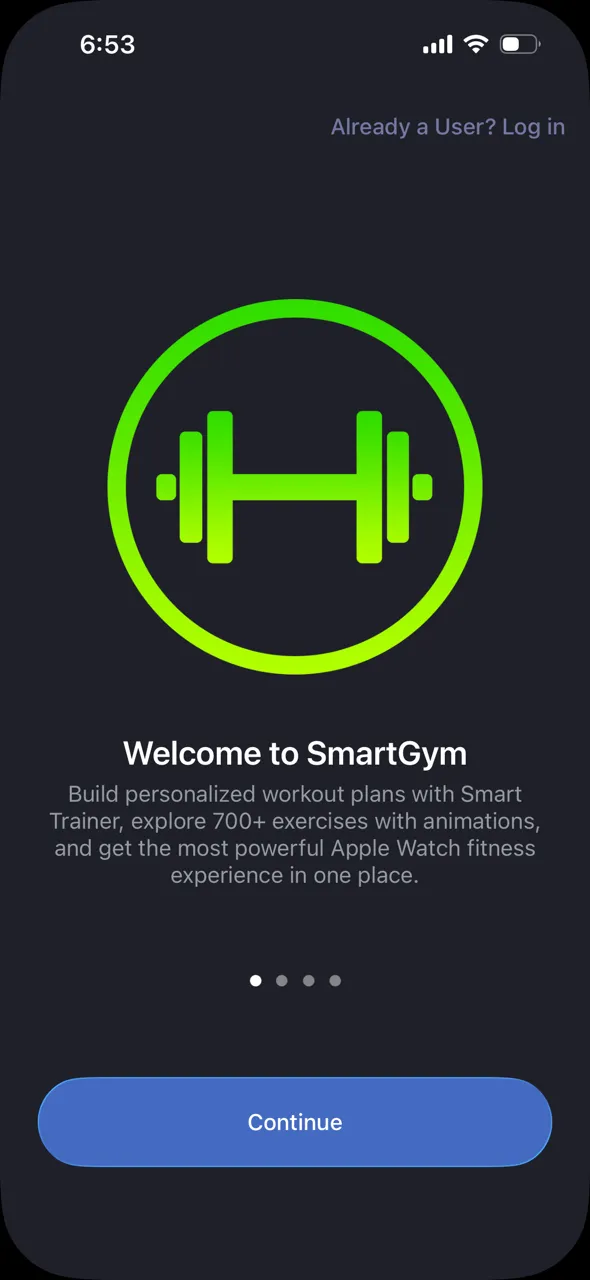
Value 1: Welcome 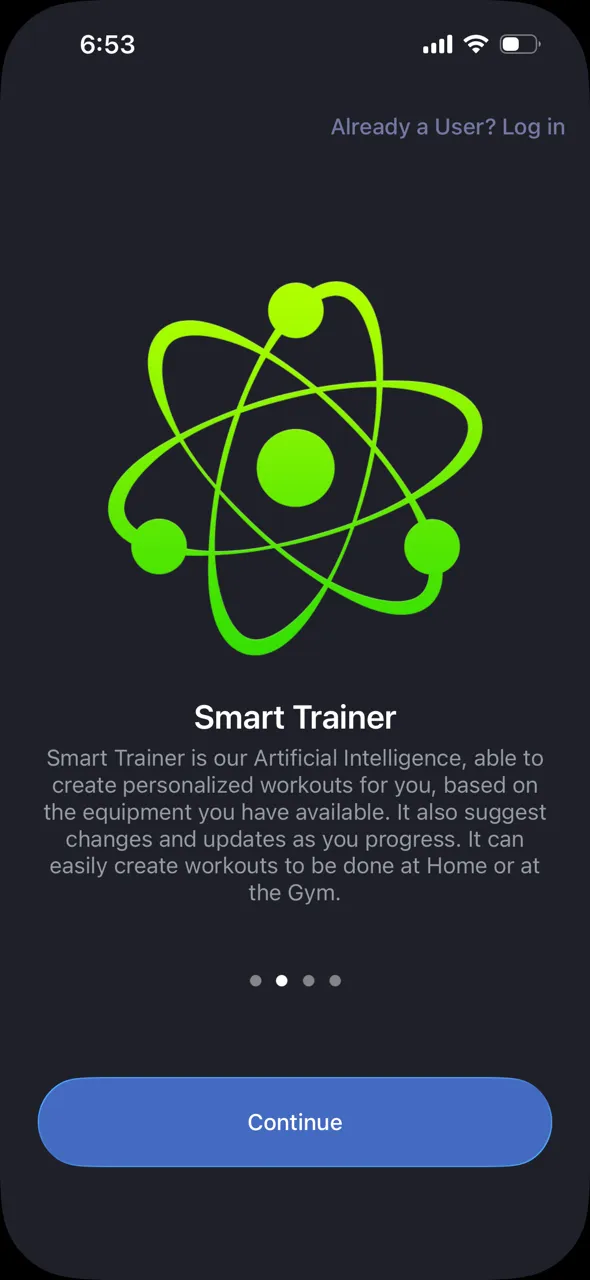
Value 2: Smart Trainer 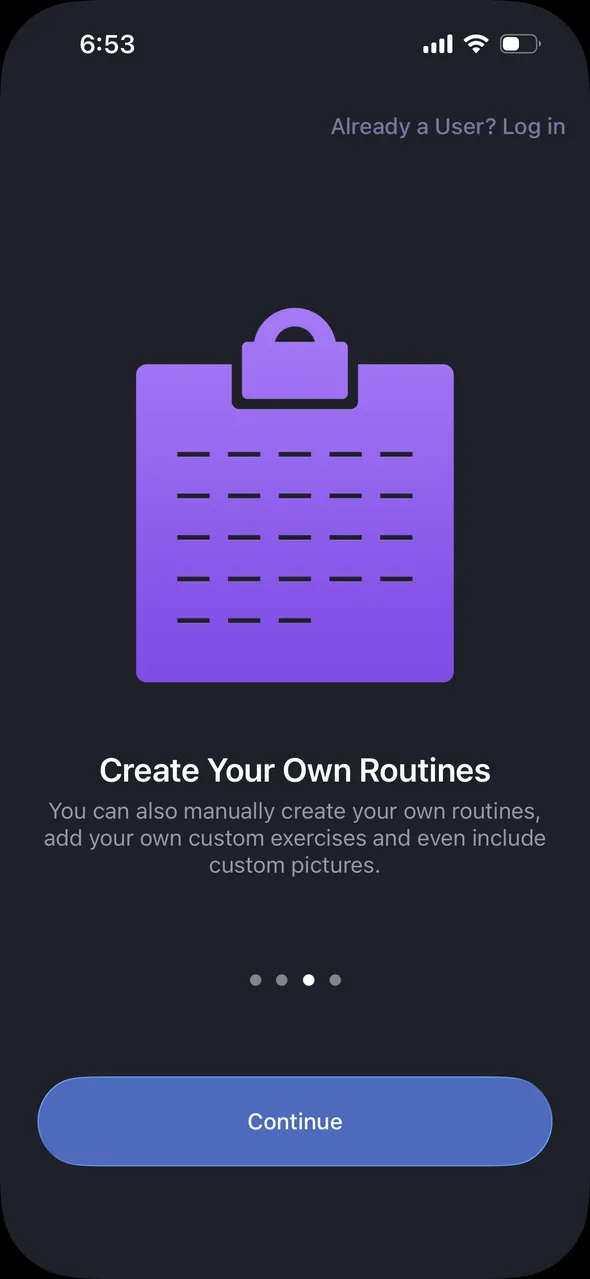
Value 3: Custom routines 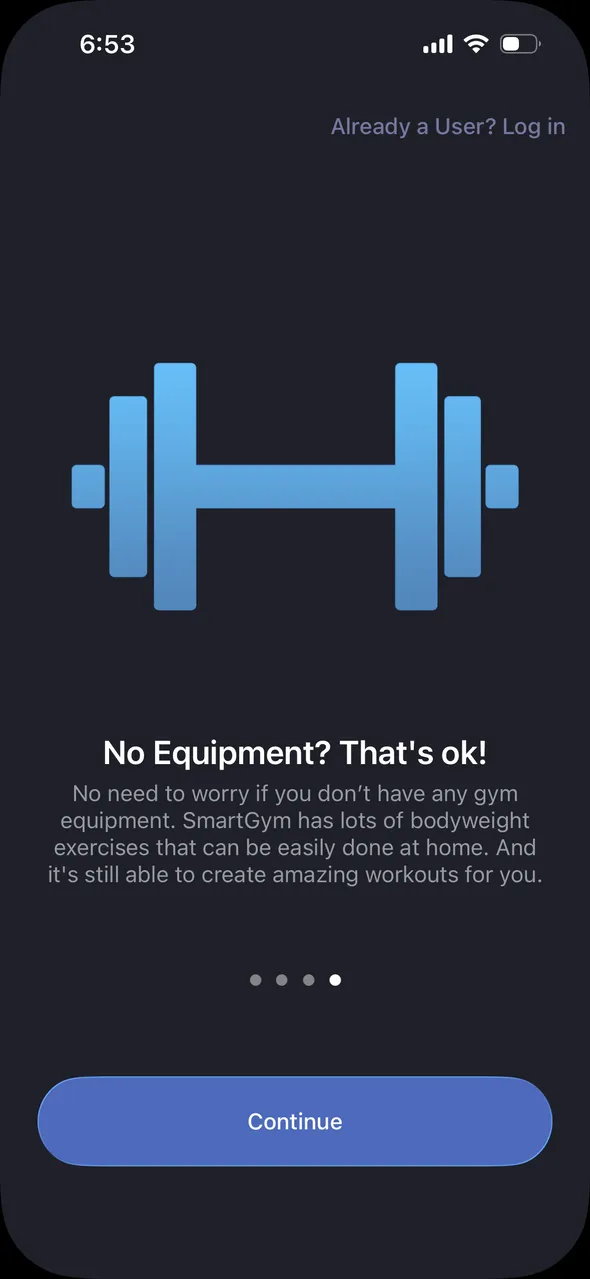
Value 4: No equipment 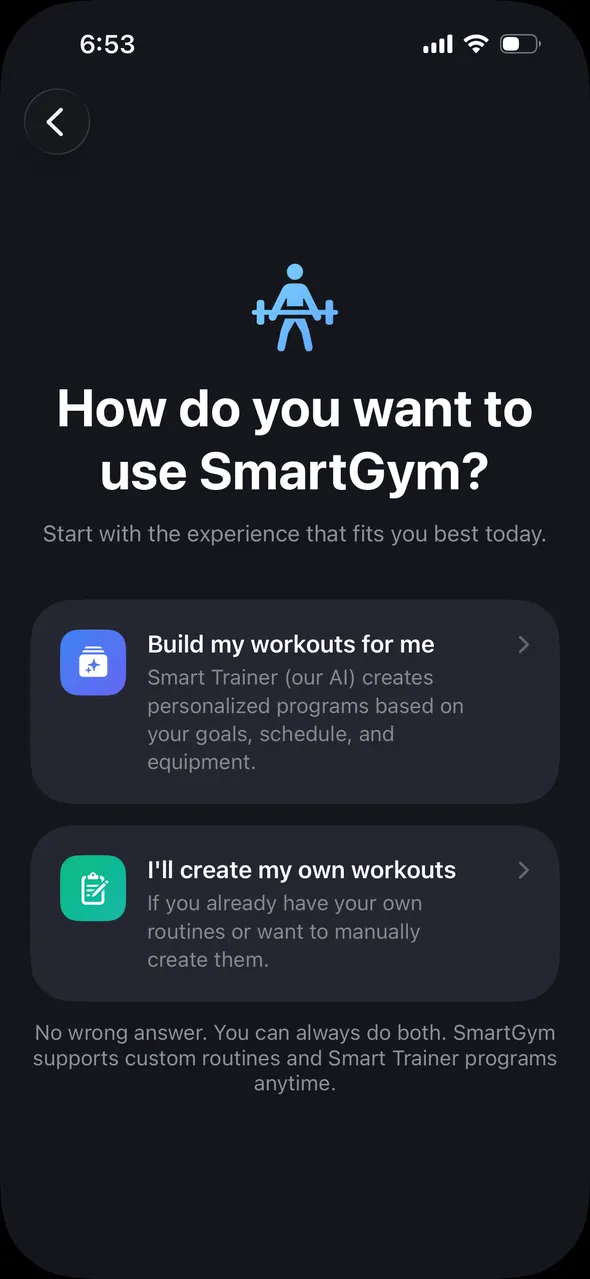
How do you want to use SmartGym? 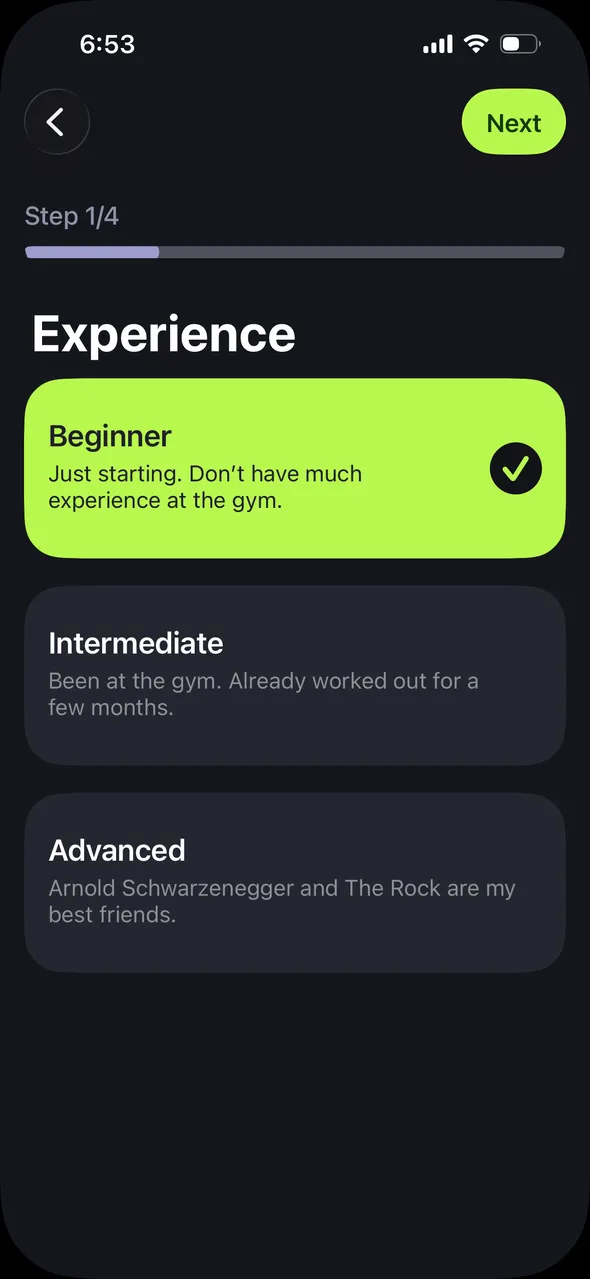
Setup: Experience 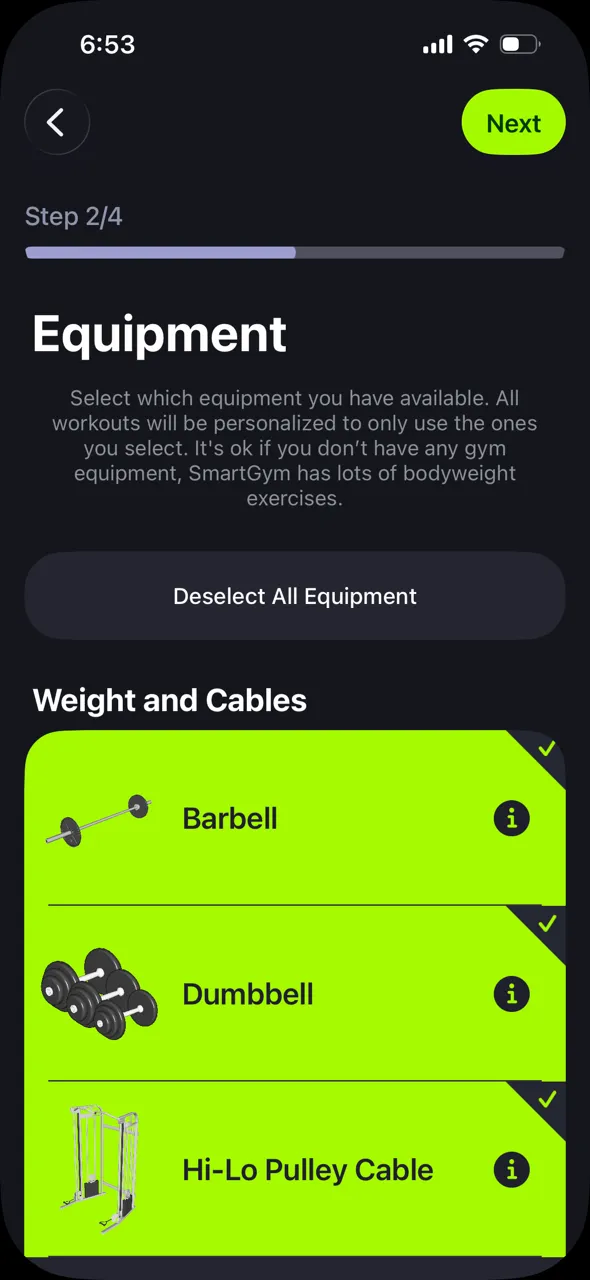
Setup: Equipment 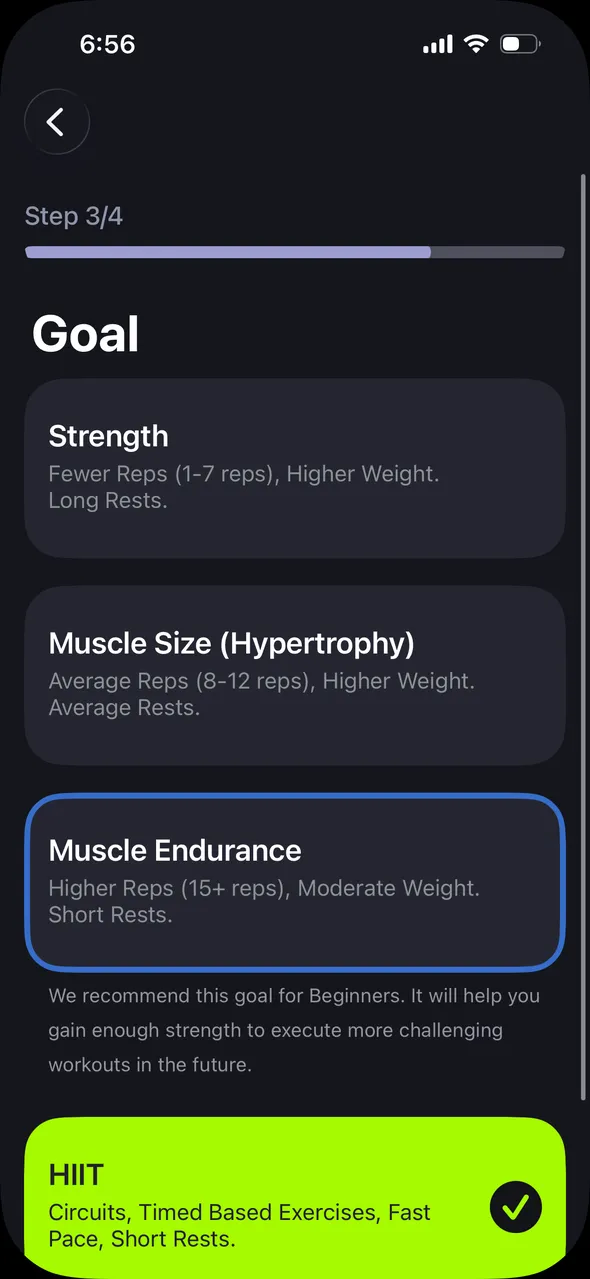
Setup: Goal 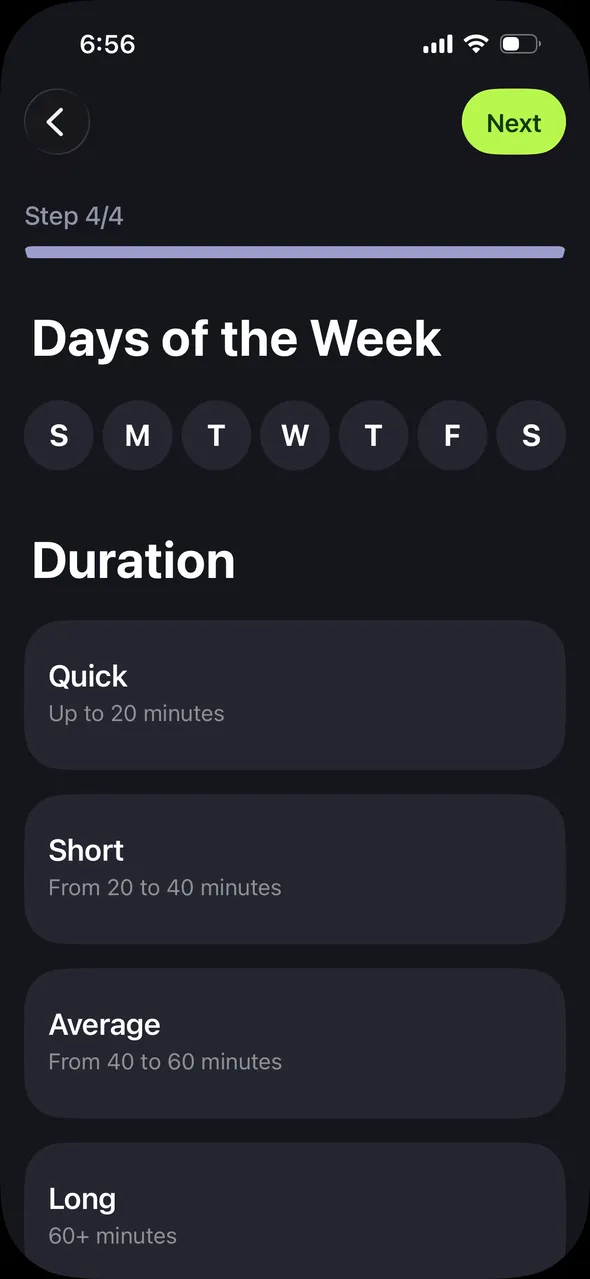
Setup: Days and duration 
Building the program 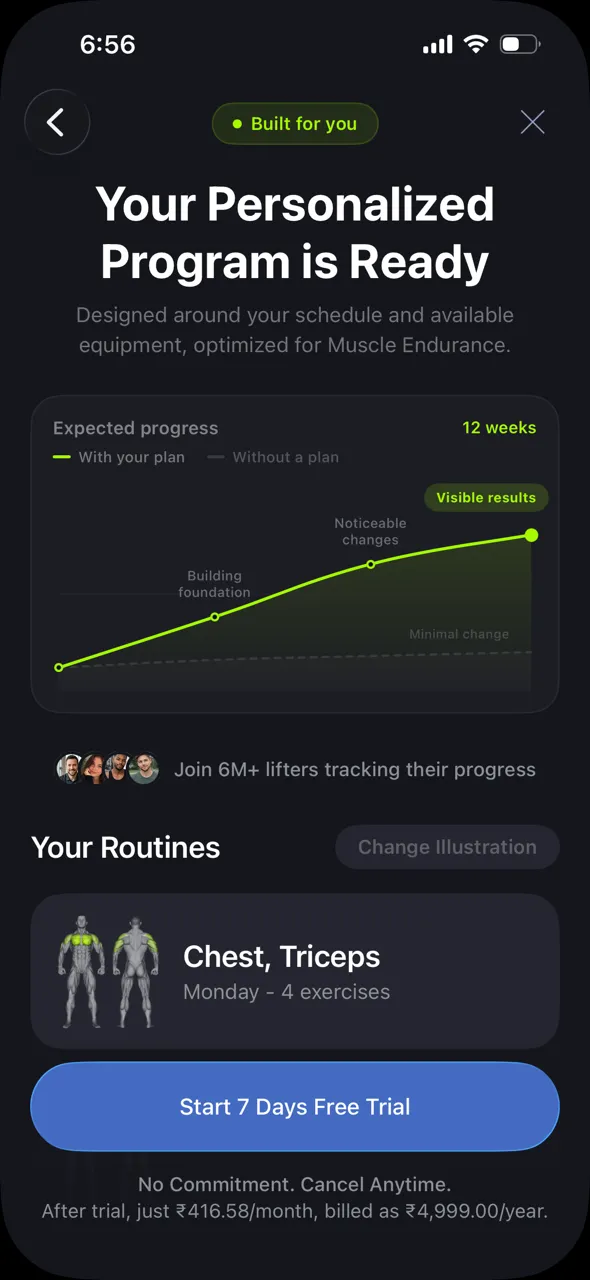
Program ready 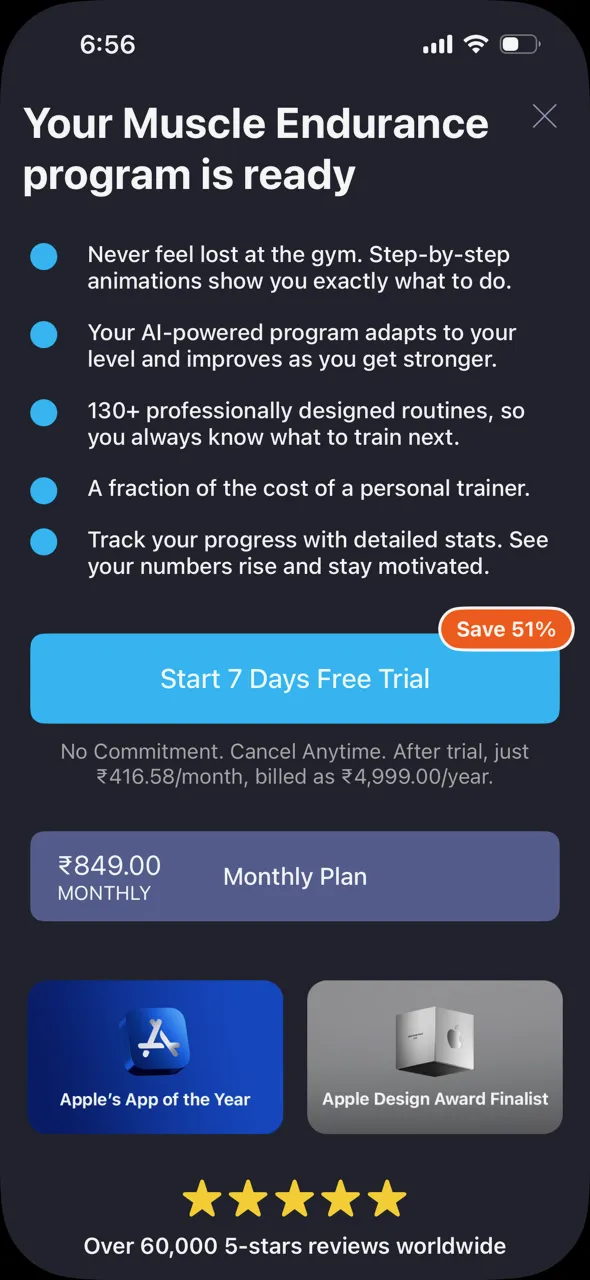
Paywall 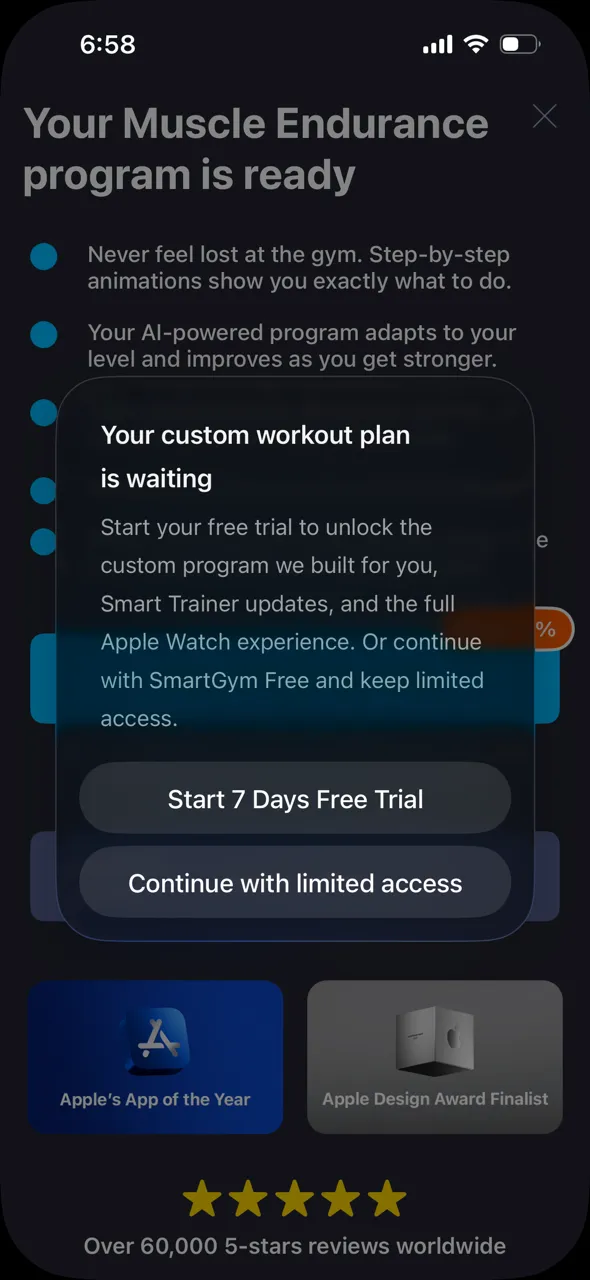
Paywall exit prompt 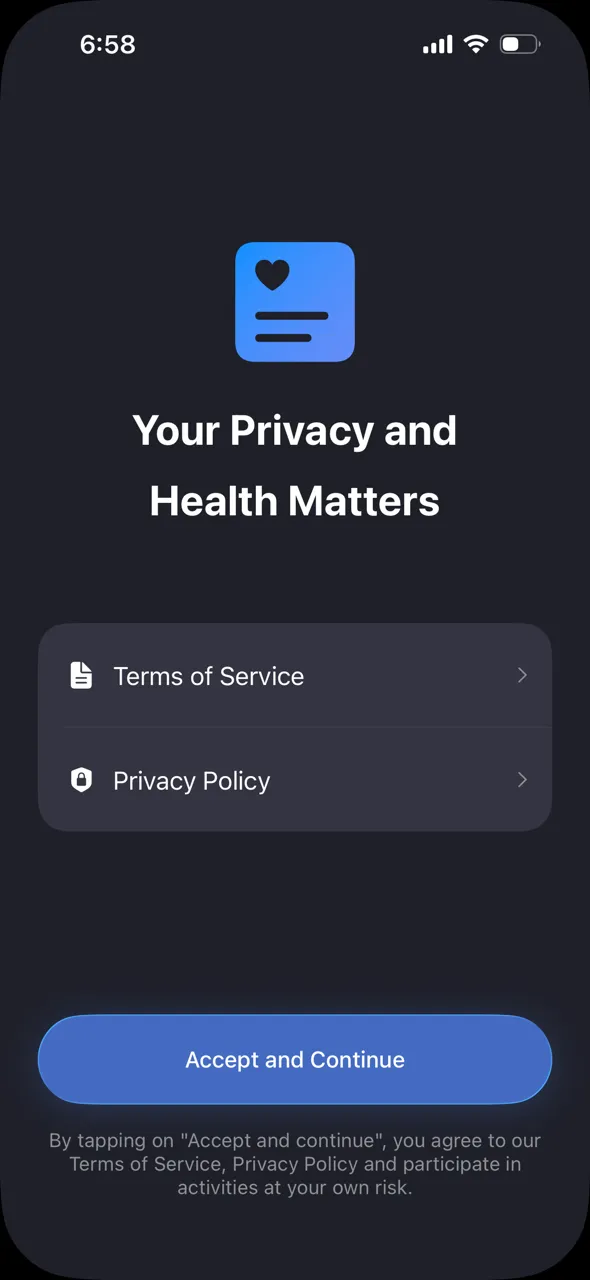
Privacy and terms 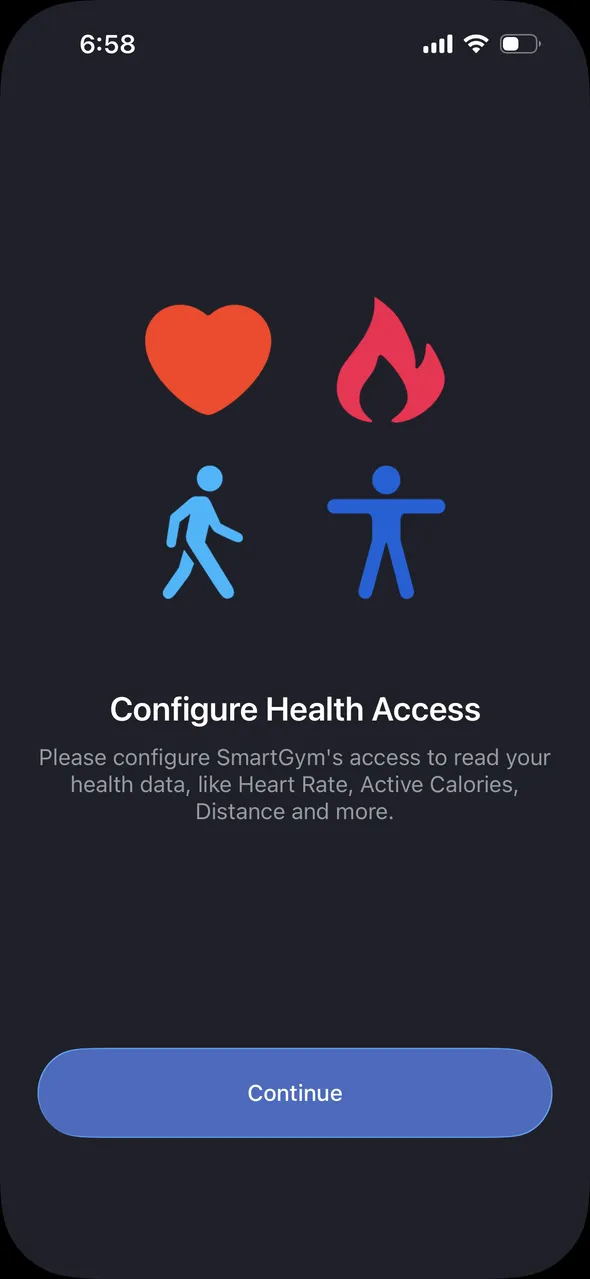
Health access 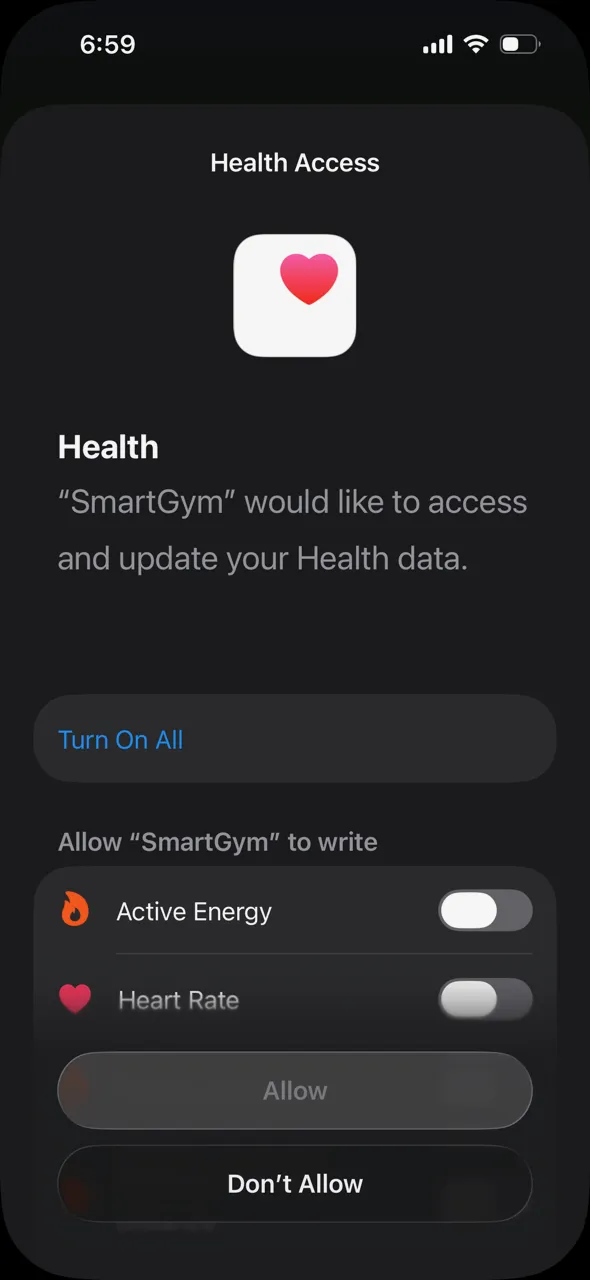
Apple Health sheet 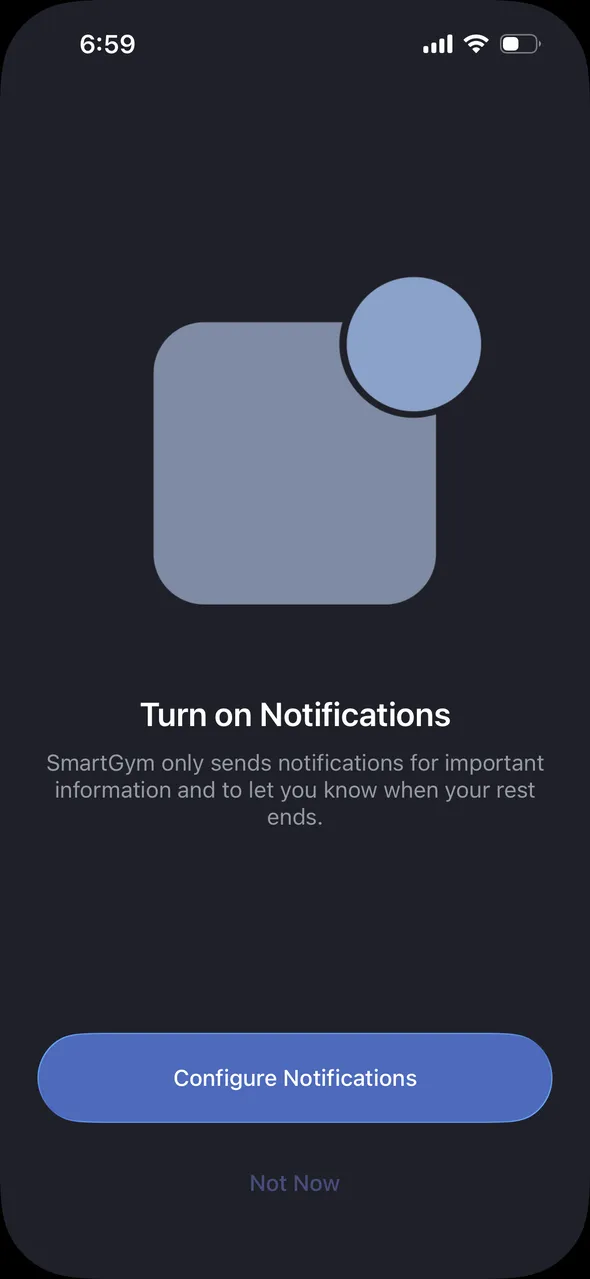
Notifications 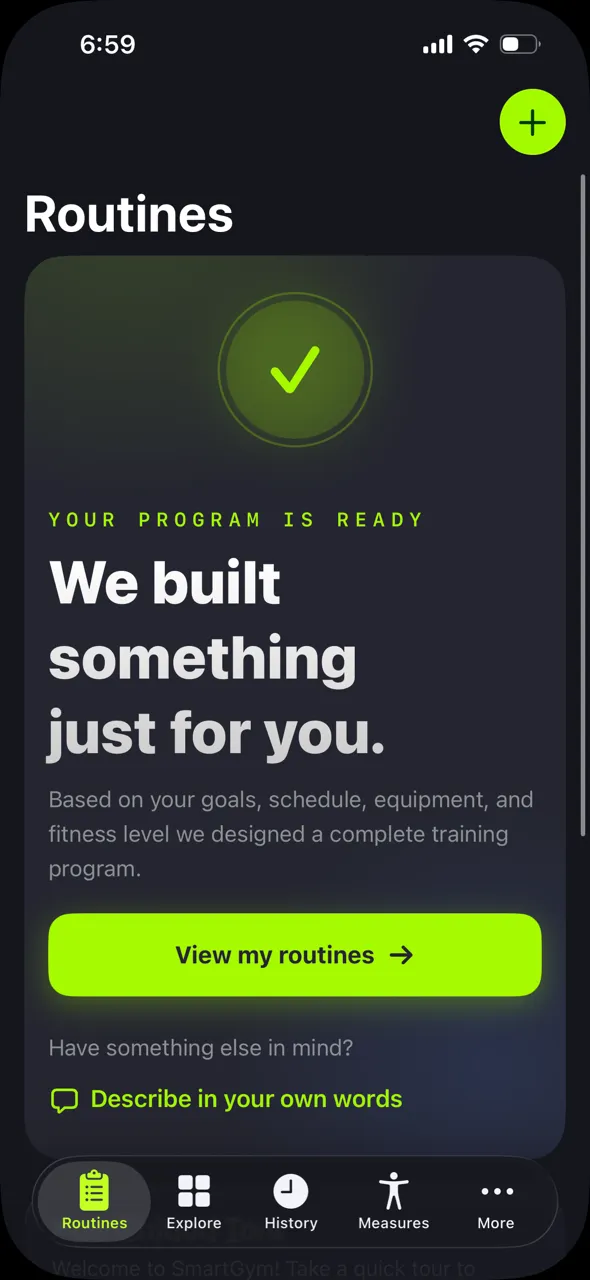
Home
App overview
SmartGym is a workout app that builds personalised training around your goals, the equipment you have and your weekly schedule. It has a huge exercise library, and its Apple Watch app is strong enough that you can leave your phone behind and still run your whole workout. It was Apple Watch App of the Year in 2023.
First impressions
This is clearly a well-built app, and there’s nothing here I’d call out as broken or in need of fixing. Instead, I spotted one opportunity that could improve conversions, and it’s in the onboarding.
The onboarding flow today
The full onboarding is in the screenshots above. In short, new users go through:
- Four value screens showcasing what the app does.
- Setup: how they want to use SmartGym, then experience, equipment, goal, and days of the week.
- Program ready, followed by the paywall.
- Health permission, asked after the paywall.
The experiment: health access before the paywall
I’d move the health-permission screens so they come before the paywall.
By this point, users have already started setting up their fitness experience. Could this one extra step make them more invested, and more likely to subscribe?
That’s the hypothesis. In the health and fitness space, I’ve seen good results from asking for health permissions before the paywall.
Step 1: Days of the week
Step 2: Program ready
- Paywall
Step 3: Paywall
- Health
Step 4: Health access
- Health
Step 5: Apple Health sheet
Step 1: Days of the week
- Health
Step 2: Health access
- Health
Step 3: Apple Health sheet
Step 4: Program ready
- Paywall
Step 5: Paywall
How I’d measure it
- Primary: trial starts and paid conversions.
- Secondary: health-permission acceptance rate and onboarding completion rate.
The guardrail matters. I wouldn’t want a result where more people grant the permission but fewer people finish onboarding.
Users must always be able to skip the health permission and carry on. The goal isn’t to push anyone into sharing health data; it’s to find out whether changing the timing improves subscription conversions.
Would you move the health permission before the paywall, or keep it where it is?
What works
- Personalised workouts built around your goals, equipment and schedule.
- A huge exercise library.
- Apple Watch integration is a real differentiator: you can leave your phone behind and keep working out.
- Recognised as Apple Watch App of the Year in 2023.
What could improve
- The paywall appears before the health permission, so users hit it before their most invested setup step.
Recommendations
- A/B test moving the two health-permission screens to right after the days-of-the-week step, before the paywall.
- Judge the test on trial starts and paid conversions.
- Watch health-permission acceptance and onboarding completion as guardrails.
- Keep the health permission skippable in both versions.
Final verdict
SmartGym is already a successful, well-built fitness app, and there's nothing here that needs fixing. The opportunity is timing: letting users connect their health data before they see the paywall may make them more invested, and more likely to subscribe. It's a cheap test with a clear hypothesis.
AppMaxxing conversion audit
Is your app making the same mistakes as SmartGym: Gym & Home Workouts?
A written report + Loom walkthrough, delivered within 7 days. For live App Store apps doing roughly 50+ downloads a day.
AppMaxxing is run by the founder of this publication. Disclosure.
- ✓User journey
- ✓Paywall & monetization
- ✓Onboarding & activation
- ✓Competitors
- ✓Prioritized recommendations
More roasts
See all →
stoic. journal & mental health
A polished journaling app with a near-perfect onboarding-to-paywall flow. The paywall itself, and the timing of its exit offer, leave conversions on the table.